

Please note that this feature is only available in the advanced edition of the app.
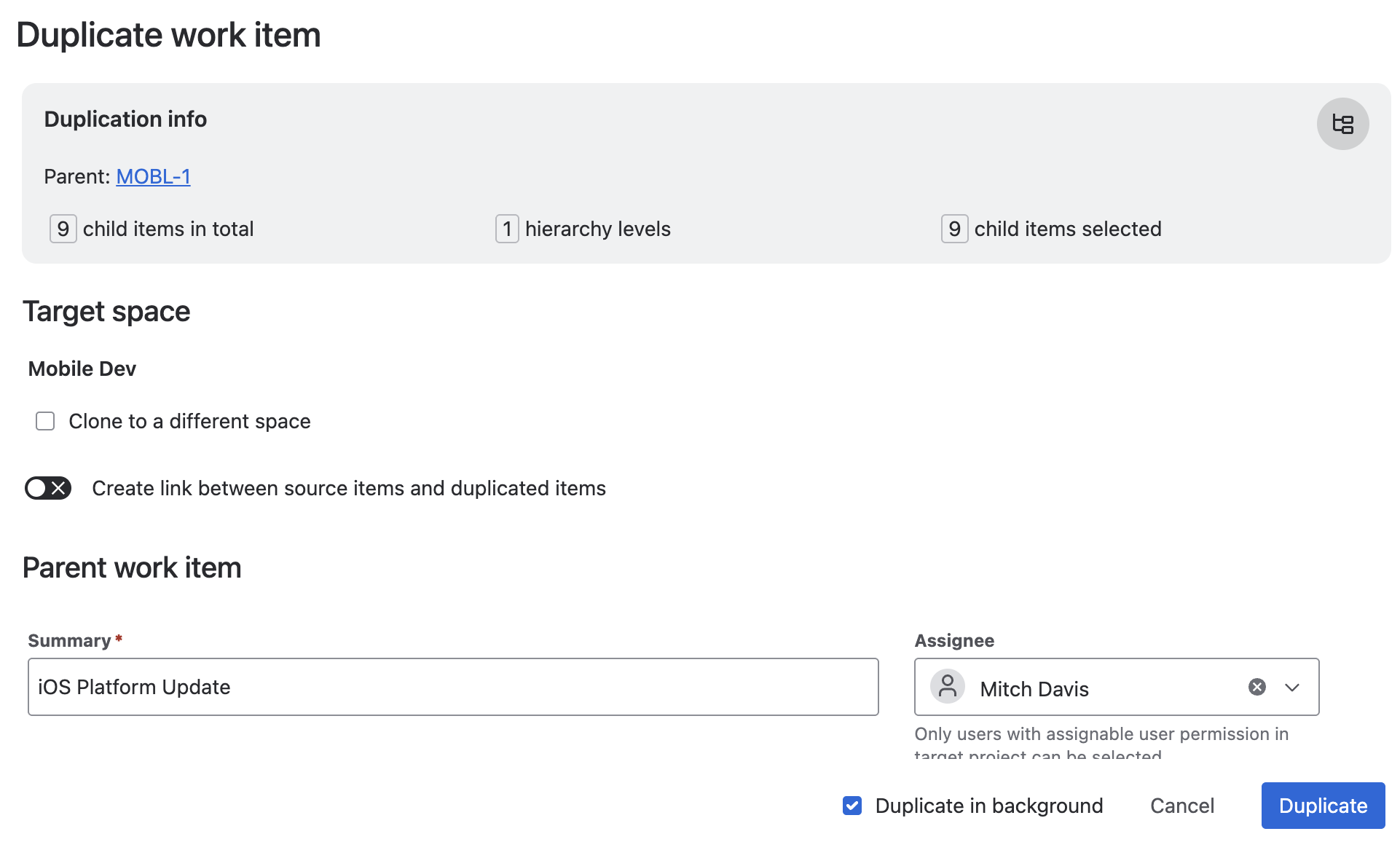
It allows duplication to occur in the background, enabling you to continue with other tasks.
Just check the "duplicate in background" option for a more streamlined experience.
Benefits
-
Close Dialog: You can close the duplication dialog while the process continues.
-
Monitor Progress: Reopen the dialog to check ongoing background processes.
-
Efficiency: No need to keep the app open during the entire process.
Ideal for
-
Large Hierarchies: Useful for items with many child items where duplication is time-consuming.
-
Attachments: Beneficial when duplicating items with attachments, as this takes longer.
-
Proven Structures: Suitable for frequently copied item structures, reducing the need for constant monitoring.
This streamlined approach ensures you can manage your tasks efficiently while the copy process runs in the background.