
Visual Indicators
-
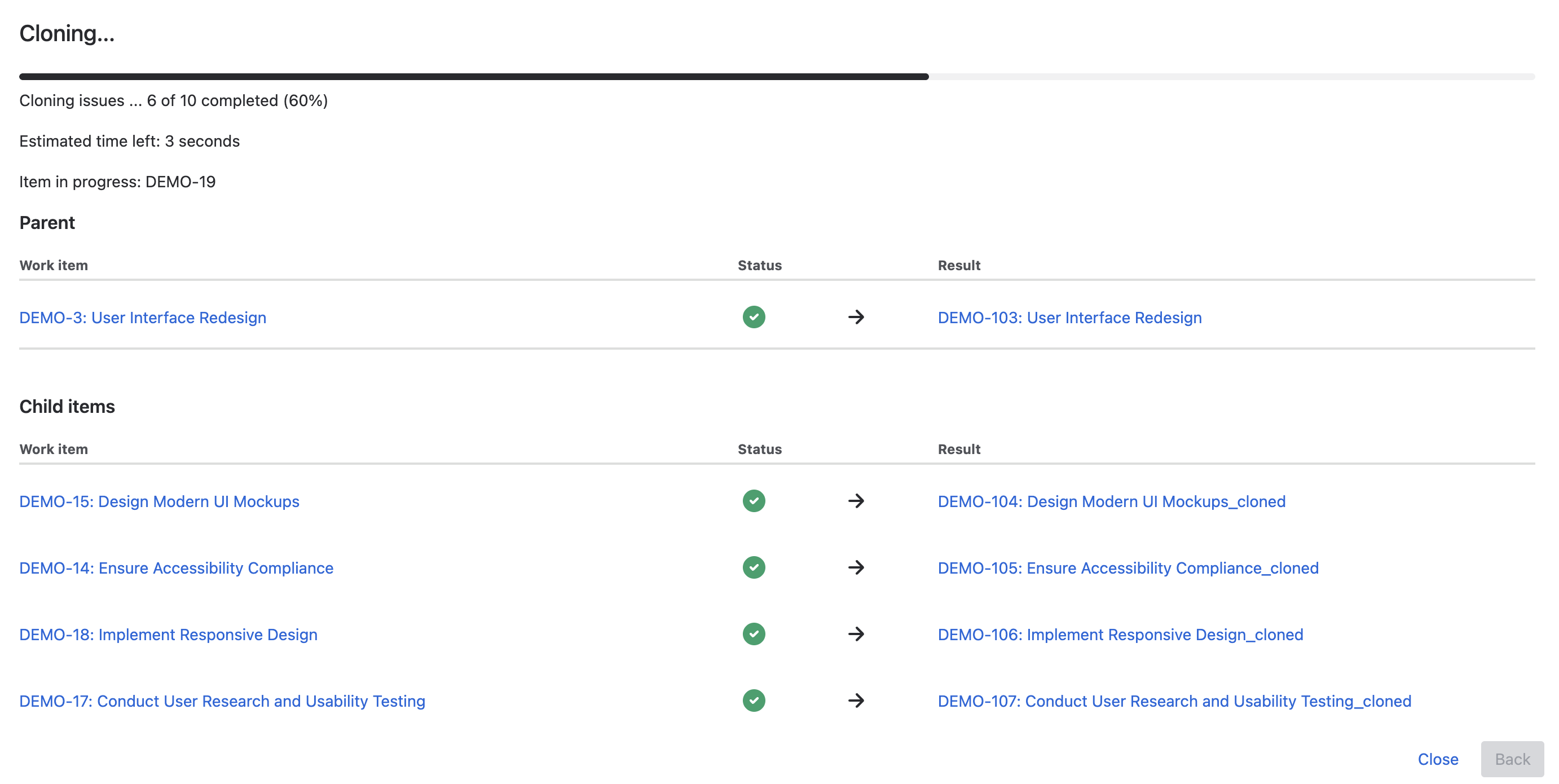
Source Items: Displayed on the left.
-
Duplication Status:
-
Spinner: Indicates ongoing duplication.
-
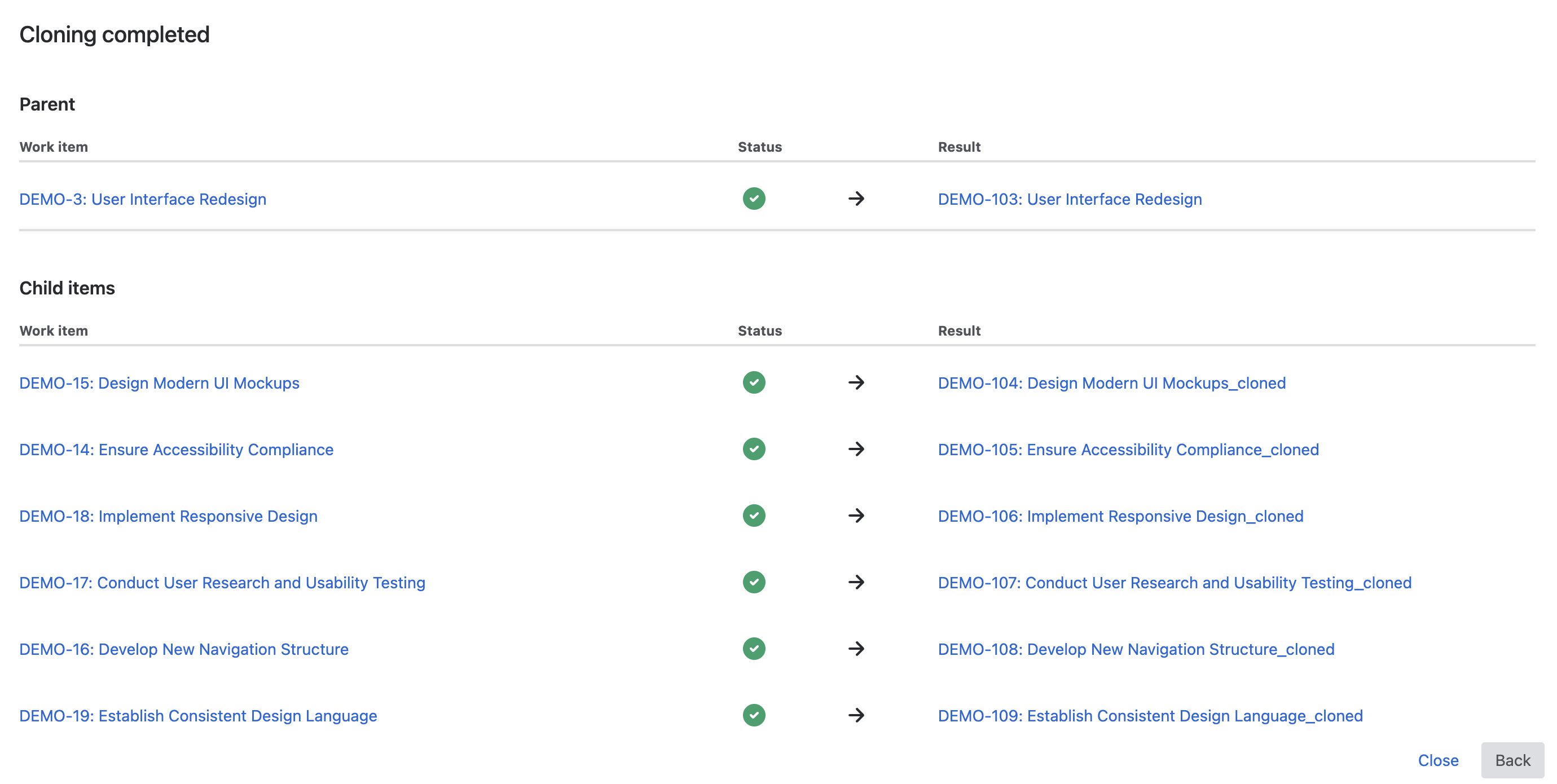
Check Mark: Duplication completed.
-
Cross Mark: Error occurred, with message on the right.
-
-
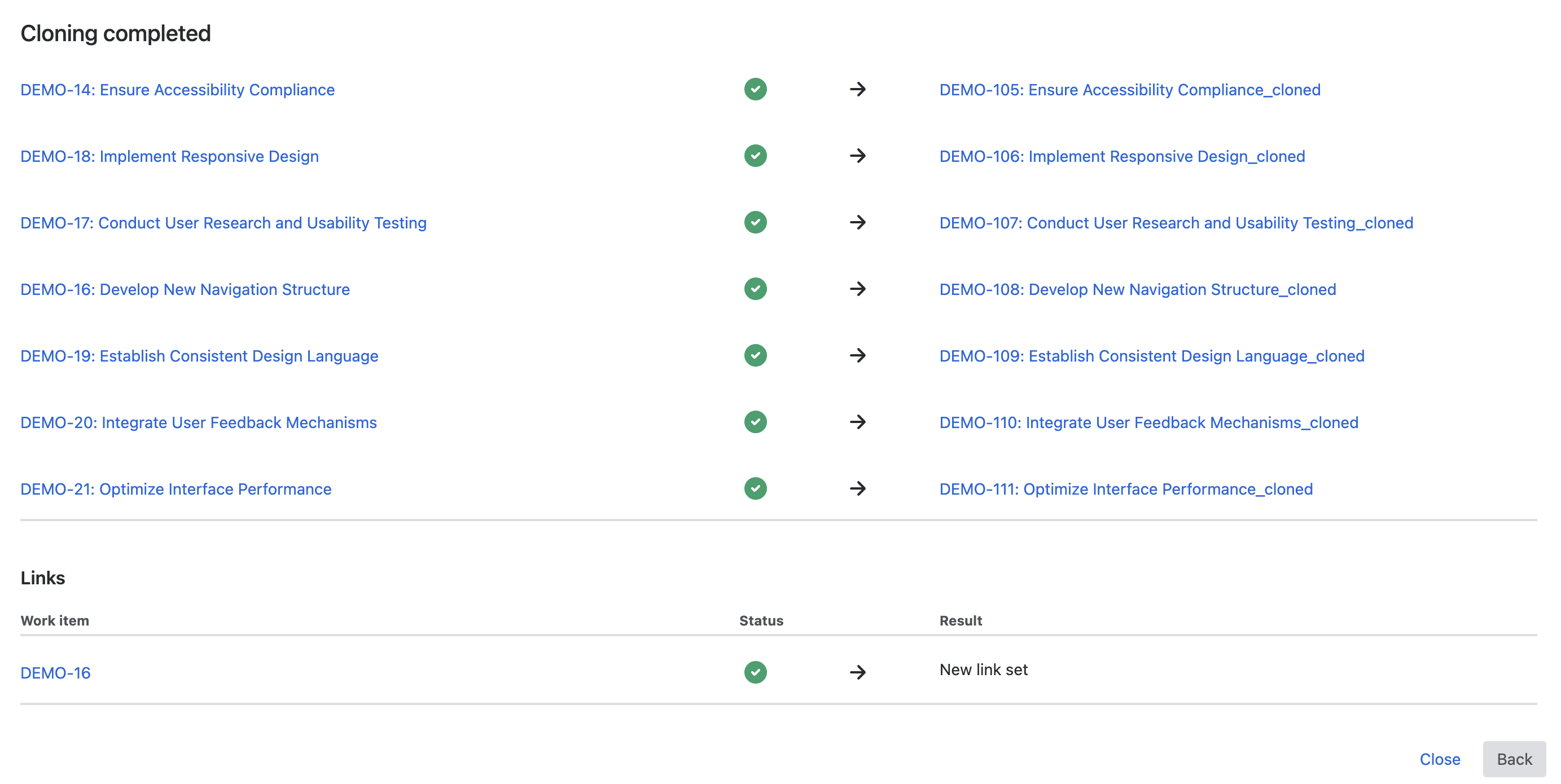
Duplicated Item Links: Available on the right to access duplicated items directly (opens in a new tab).
Progress Monitoring
Progress bar located at the top, showing the current status of the process.
Error Handling
Error icon appears with a message if an error occurs during duplication.
Completion
Use provided links to navigate to each source or target work item once duplication is complete.
Duplicate in Background
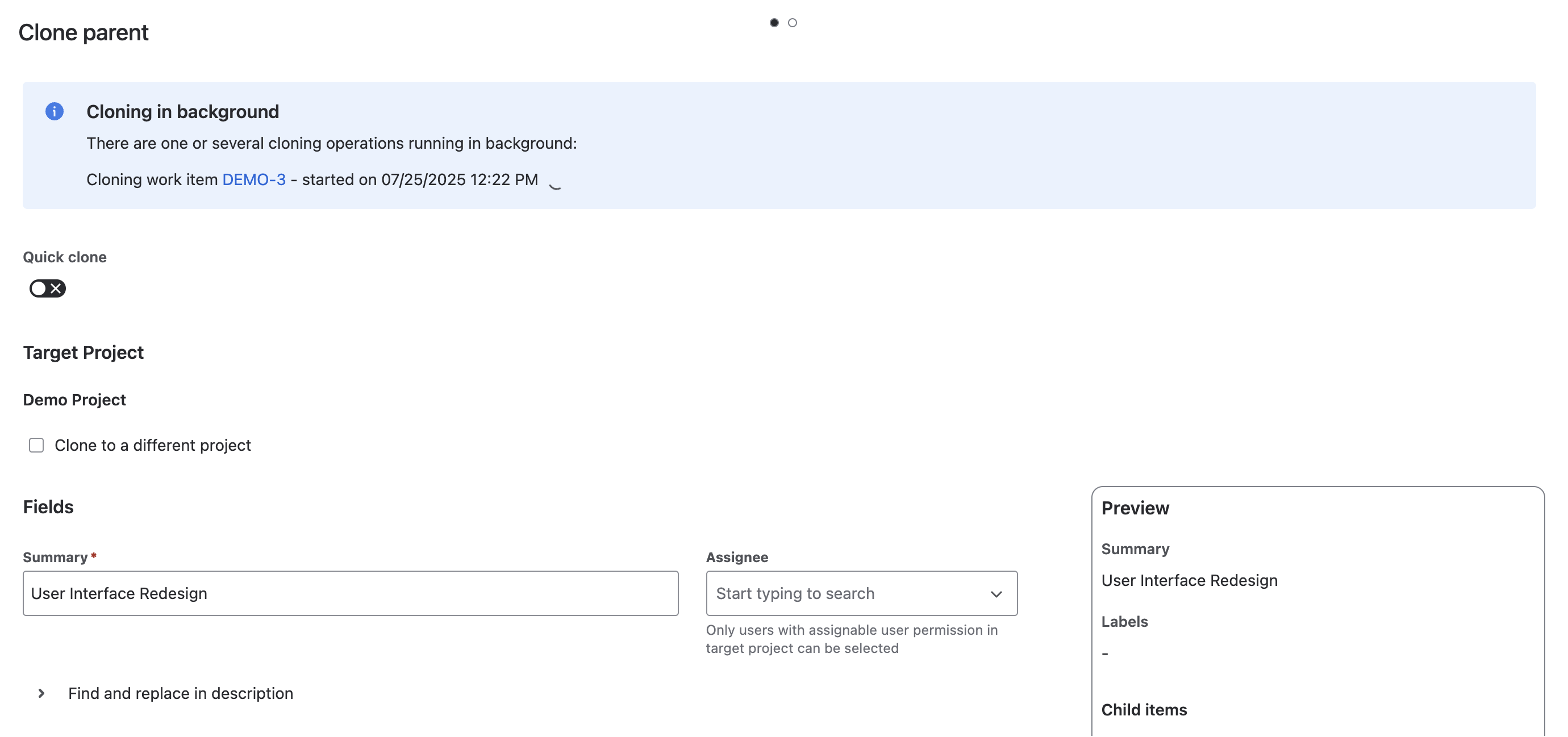
If you select the duplicate in background option, the process will start, and a message will indicate that you can close the dialog while copying occurs in the background.
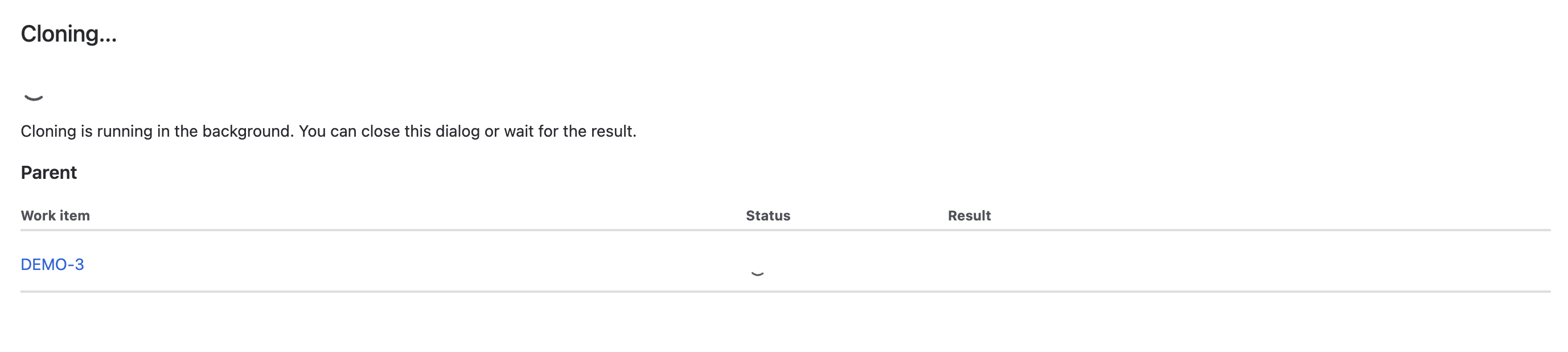
If you reopen the duplicate dialog, whether for the same item or a different one, ongoing background processes will appear in the message at the top.