
Target Space Selection advanced edition
This feature is only available when you have subscribed to the advanced edition of the app.
-
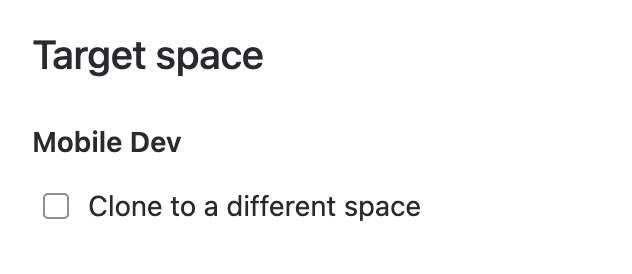
Default: Duplication occurs within the same space.
-
Cross-Space Duplication: Check the box to select a new target space.


Notes:
-
Only accessible spaces are shown.
-
System checks for item type compatibility and creation permissions in the new space. Errors are displayed if conditions aren't met.

Parent Configuration
-
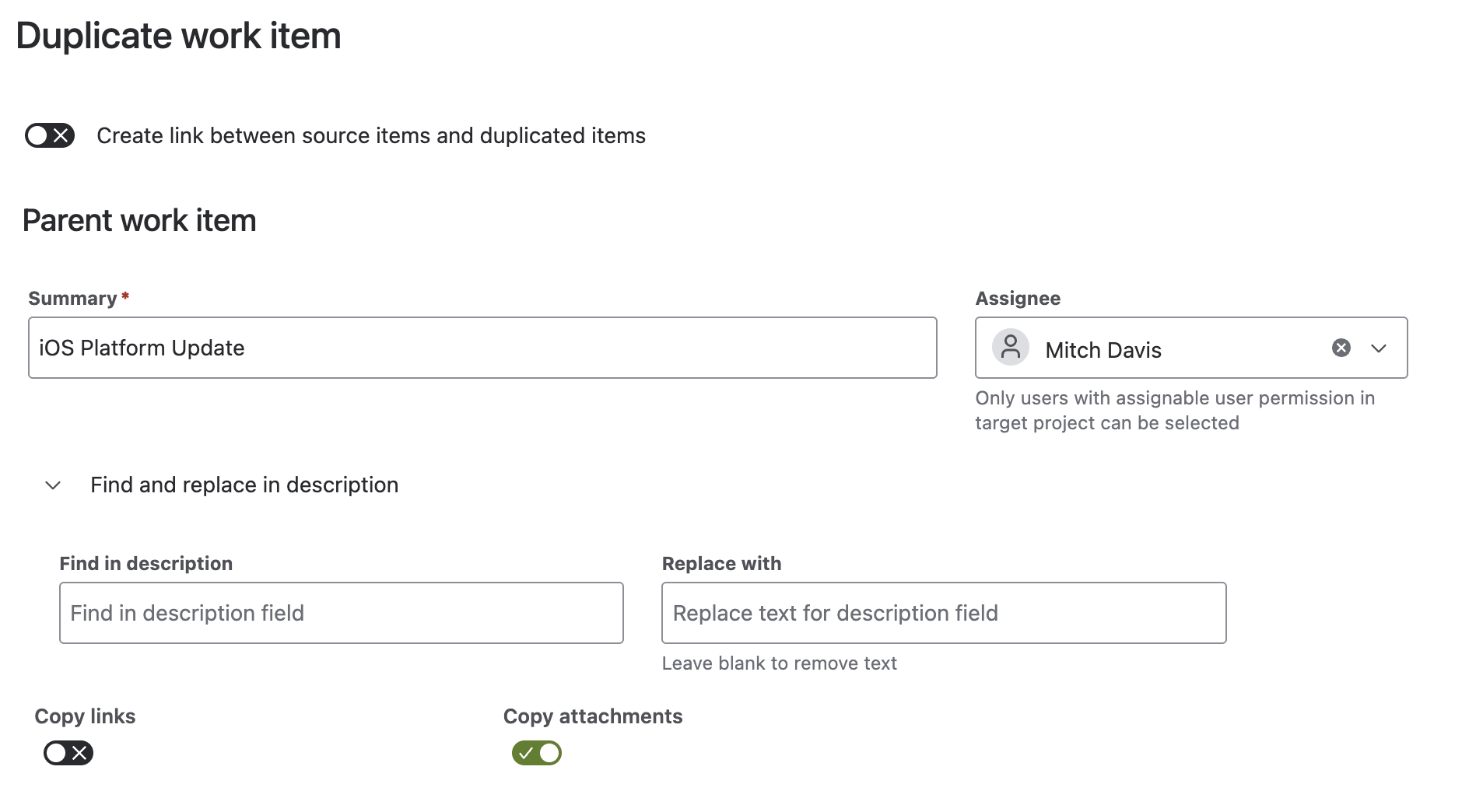
Summary: Define a new summary; original is shown by default.
-
Assignee:
-
assign a user with permission in the target space
-
defaults to the current assignee
-
resets if permissions are lacking in a new target space
-
leaving it blank means an unassigned cloned item
-
-
Find in Description advanced edition :
-
locate and replace text in the description
-
useful for placeholders
-
seamless transition from placeholders to the desired text upon duplication
-
only available if description field is on item create screen
-
-
Replace With advanced edition :
-
enter replacement text
-
leave blank to remove found text.
-
-
Copy Attachments:
-
option to copy if permissions allow
-
default is to copy
-
not displayed if no attachments or lacking permission in target space
-
Links
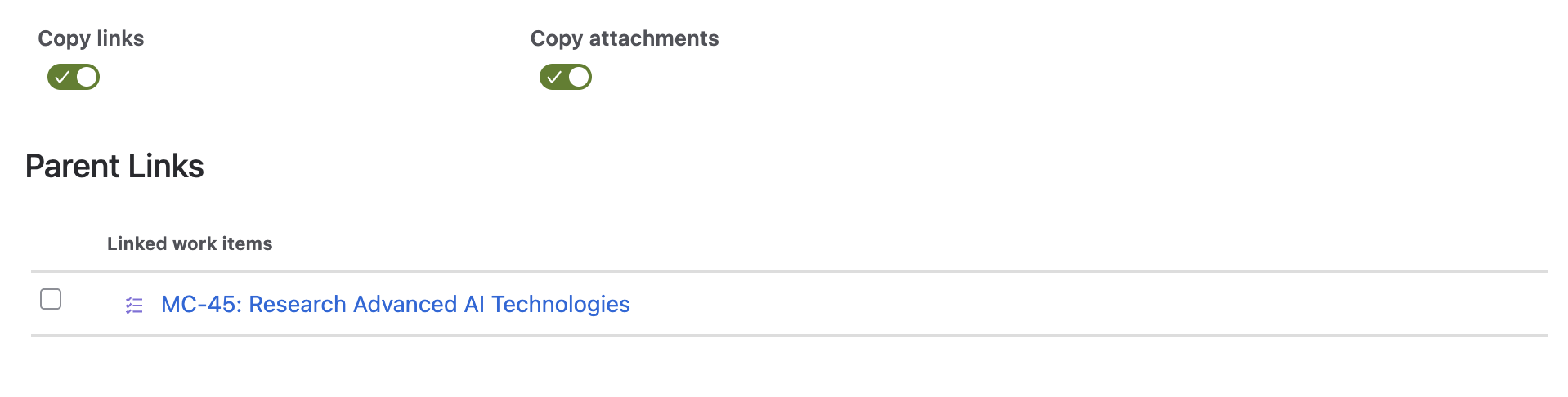
Enable the copy links option to show a list of items linked to the parent. You can then select which links should be copied over to the duplicated item.